Your LinkedIn headline and About section are the most visible parts of your profile. They appear in search results, in connection requests, and at the very top of the page when someone visits. Getting them right takes less than an hour and can change how often you are found. This guide shows you how to optimize your LinkedIn profile step by step, with formulas and examples you can adapt to your own experience.
Step 1: Decide your goal and keywords
Before you write, decide what you want from LinkedIn: to find a new job, attract clients, change careers, or build a network. Then write down the job titles and skills you want to be found for. Look at three or four job postings in your target field and note the words they repeat. These words become the keywords in your headline, About section, and skills, and they help recruiters find you when they search.
Step 2: Write a headline that does more than list your job title
By default, LinkedIn fills your headline with your current job title. You can change it to describe your value in up to 220 characters. A helpful formula is:
Role or target role | Key skills | What you deliver or who you help
Examples:
- Digital Marketing Specialist | SEO, Email Campaigns, Analytics | Helping small brands grow online
- Customer Success Manager | SaaS Onboarding, Retention | Turning new users into long-term customers
- Recent Graduate in Data Analytics | SQL, Excel, Power BI | Seeking an entry-level analyst role
Keep it truthful and readable. Avoid vague labels like "passionate dreamer" or "guru." If you are between jobs, state your target role and skills instead of "unemployed" or "looking."
Step 3: Structure your About section
The About section is your summary, and only its first two or three lines show before the "see more" link. Use them well. A simple structure works for most people:
- Opening hook (1 to 2 lines): What you do and who you help, or a result that shows your value.
- Your story and strengths (3 to 5 lines): The experience, skills, and approach that set you apart.
- Proof (2 to 3 lines): One or two achievements with results.
- Call to action (1 line): How people can reach you or what you are looking for.
Write in the first person, in a warm and professional voice, and aim for about 150 to 220 words. Break the text into short paragraphs so it is easy to scan on a phone.
Here is a sample opening:
I help small online shops turn browsers into buyers. Over the past three years, I have planned email campaigns and improved product pages for stores in fashion and home goods. I enjoy simple tests, clear reports, and creative ideas that are backed by data.
Step 4: Rewrite your experience with results
Under each role, do not copy your job description. Show what you achieved. Use action verbs and outcomes:
- Before: Responsible for email campaigns.
- After: Planned and sent weekly email campaigns that increased click-through rates by [add number].
Use real numbers when you have them, and describe scale when you do not, such as "for a list of 10,000 subscribers." Two to four bullets per recent role is enough. Make sure the dates and job titles match your resume.
Step 5: Add and organize your skills
LinkedIn lets you list many skills, and recruiters can filter by them. Add at least ten relevant ones and choose your top three to pin at the top of the list. Use the standard names that appear in job postings, such as "Search Engine Optimization (SEO)" and "Data Analysis." Then, whenever it is honest, ask colleagues to endorse the skills you are strongest in.
Step 6: Polish the details
- Photo: Use a clear, well-lit photo where you are the only person in the frame, with a friendly expression.
- Banner: Add a simple banner image that fits your field, or a short line about what you do.
- Custom URL: Shorten your profile link to your name, so it looks clean on a resume or email signature.
- Location and industry: Set them accurately, because recruiters filter by them.
- Featured section: Show your best work, such as a portfolio, article, or presentation.
Step 7: Check consistency with your resume
Recruiters often compare your resume with your profile. Make sure job titles, employers, and dates match. Small differences can look careless or, worse, dishonest. You can keep the wording different, since LinkedIn allows a more personal tone, but the facts must agree. To refine your resume, try the Resume Optimizer.
Save time with the LinkedIn Profile Optimizer
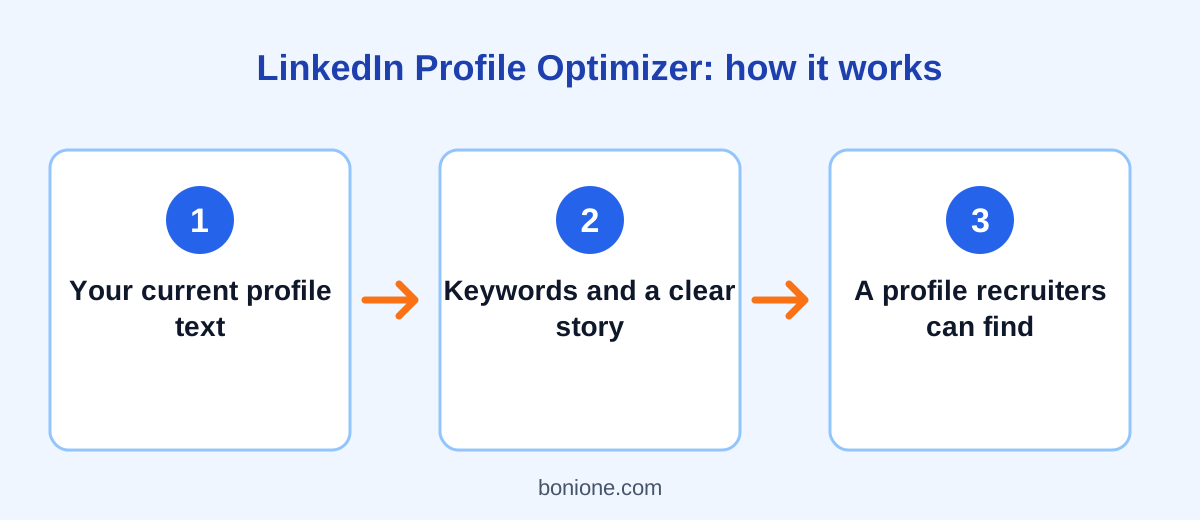
If you would like a first draft, paste your current headline, About section, and experience into the free LinkedIn Profile Optimizer and describe your goal. It returns headline options, a rewritten About section, better experience bullets, skill suggestions, and quick wins. Then edit the draft so that it sounds like you and every detail is accurate.
Mistakes to avoid
- Writing an About section in the third person that sounds stiff.
- Filling the headline with buzzwords and no clear skills.
- Leaving skills empty or adding dozens that are unrelated.
- Using a casual or cropped photo that does not suit your industry.
- Never updating your profile after you finish a project or change jobs.
- Exaggerating titles or results.
Frequently asked questions
How long should my LinkedIn headline be?
The limit is 220 characters, but shorter is often clearer. Put your most important words first, because some places only show the beginning.
Should I write my About section in first or third person?
First person is usually better, because it feels natural and personal. It is your own profile, after all.
Can I use the same text as my resume summary?
You can start from it, but LinkedIn allows a more conversational tone and a little more detail. Adapt it instead of copying it word for word.
Final thoughts
A strong LinkedIn profile is clear, specific, and consistent. Choose your keywords, write a headline that shows your value, structure your About section with a strong opening, describe your work with results, and keep the details accurate. If you would like to understand why this effort pays off, read why your LinkedIn profile matters for getting hired.